
Audience & sightlines
Define the screen height, viewing zones, side-screen positions and any obstructions.
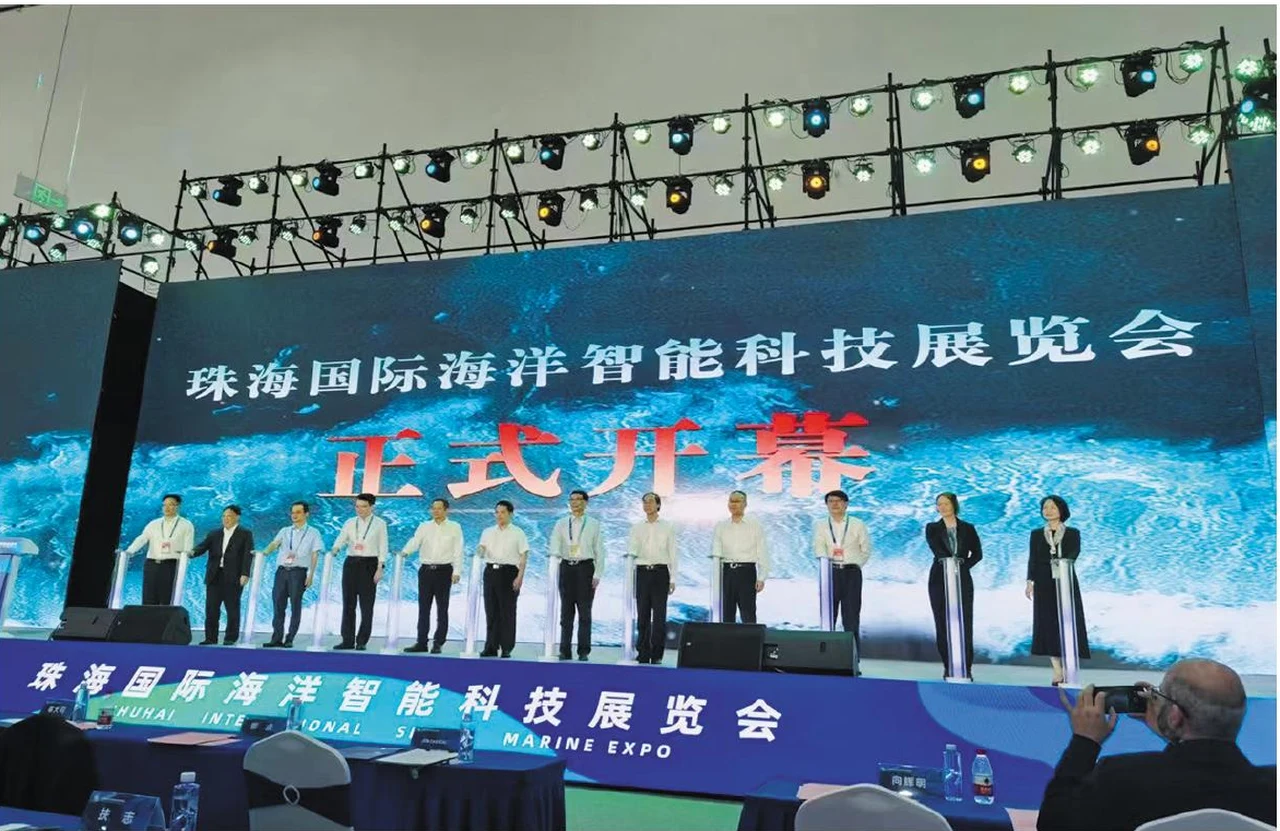
Create a visual setting that follows the performance. Start with the stage geometry and production brief, then connect display layout, content and installation planning.
Three parts of the brief that help turn an idea into a practical display proposal.
Define the screen height, viewing zones, side-screen positions and any obstructions.
Plan the canvas resolution, playback sources, signal paths and camera requirements.
Include the build schedule, support system, lifting access and technical crew responsibilities.
Modular LED cabinets manufactured for repeated event builds, supplied as equipment for purchase.
Explore the product categoryStage drawings, audience area, event date, screen dimensions and camera requirements.
Prepare your briefApplication references from the manufacturer catalogue. Discuss the display format and installation requirements for your own setting.
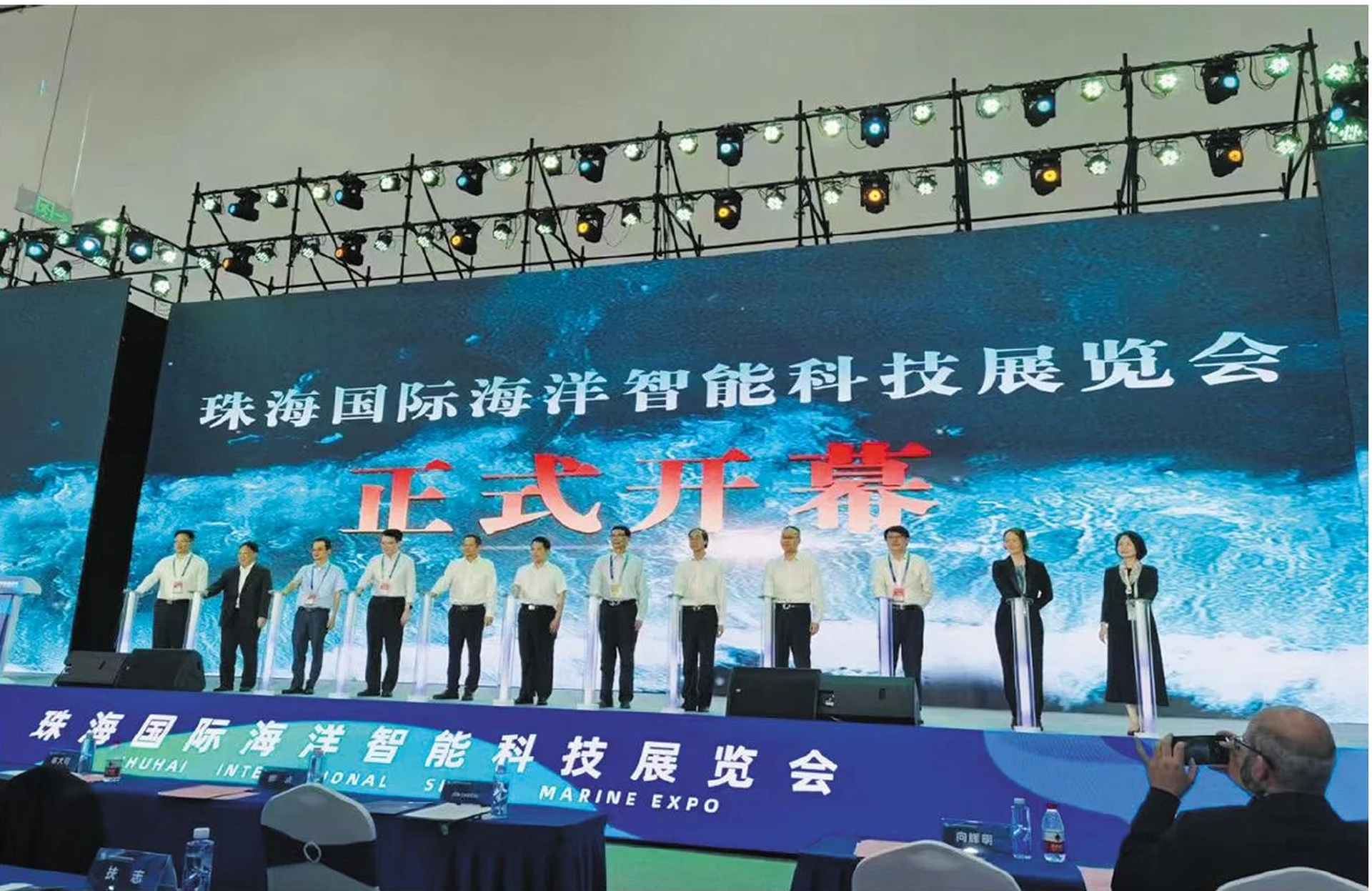
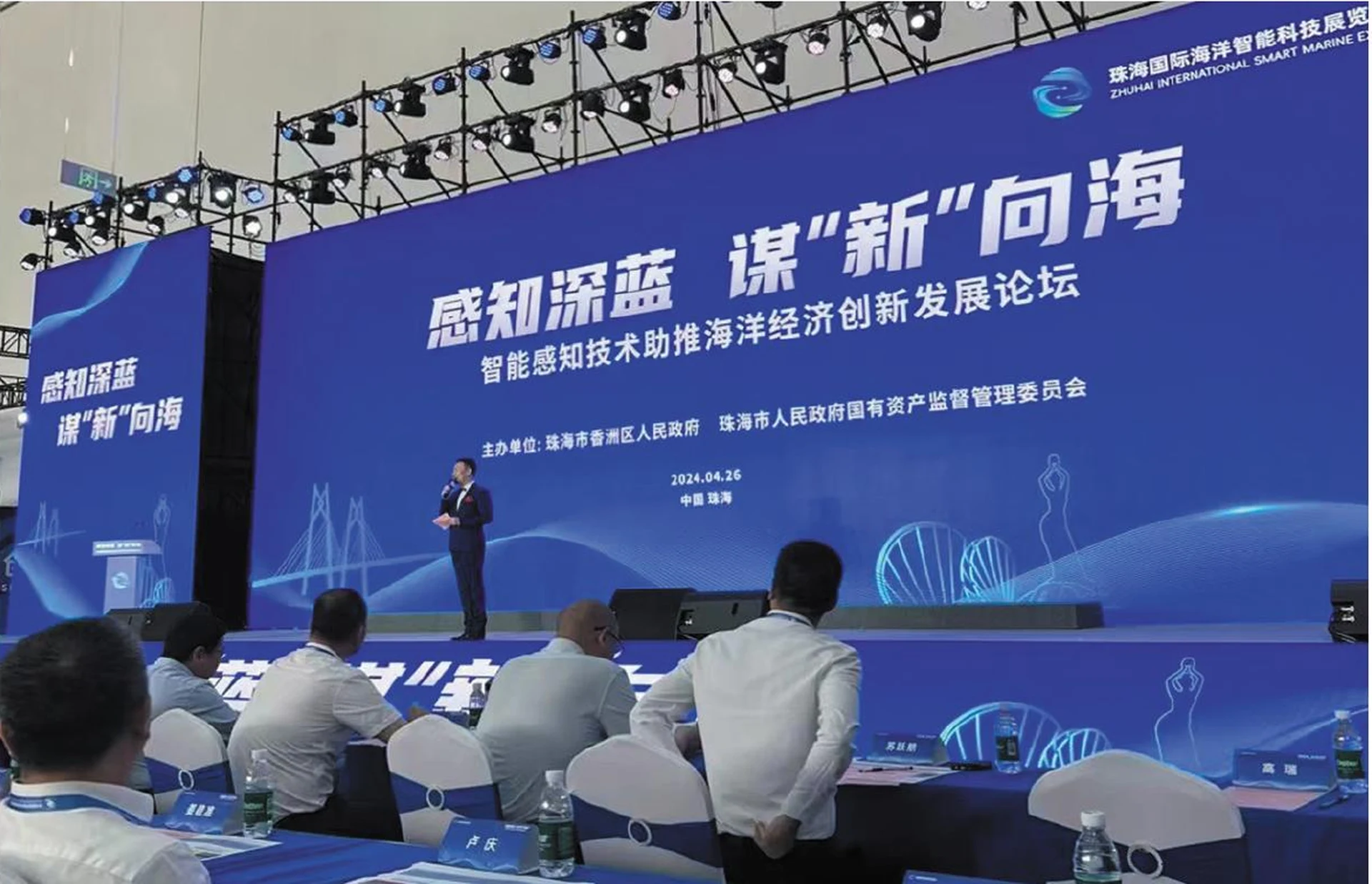

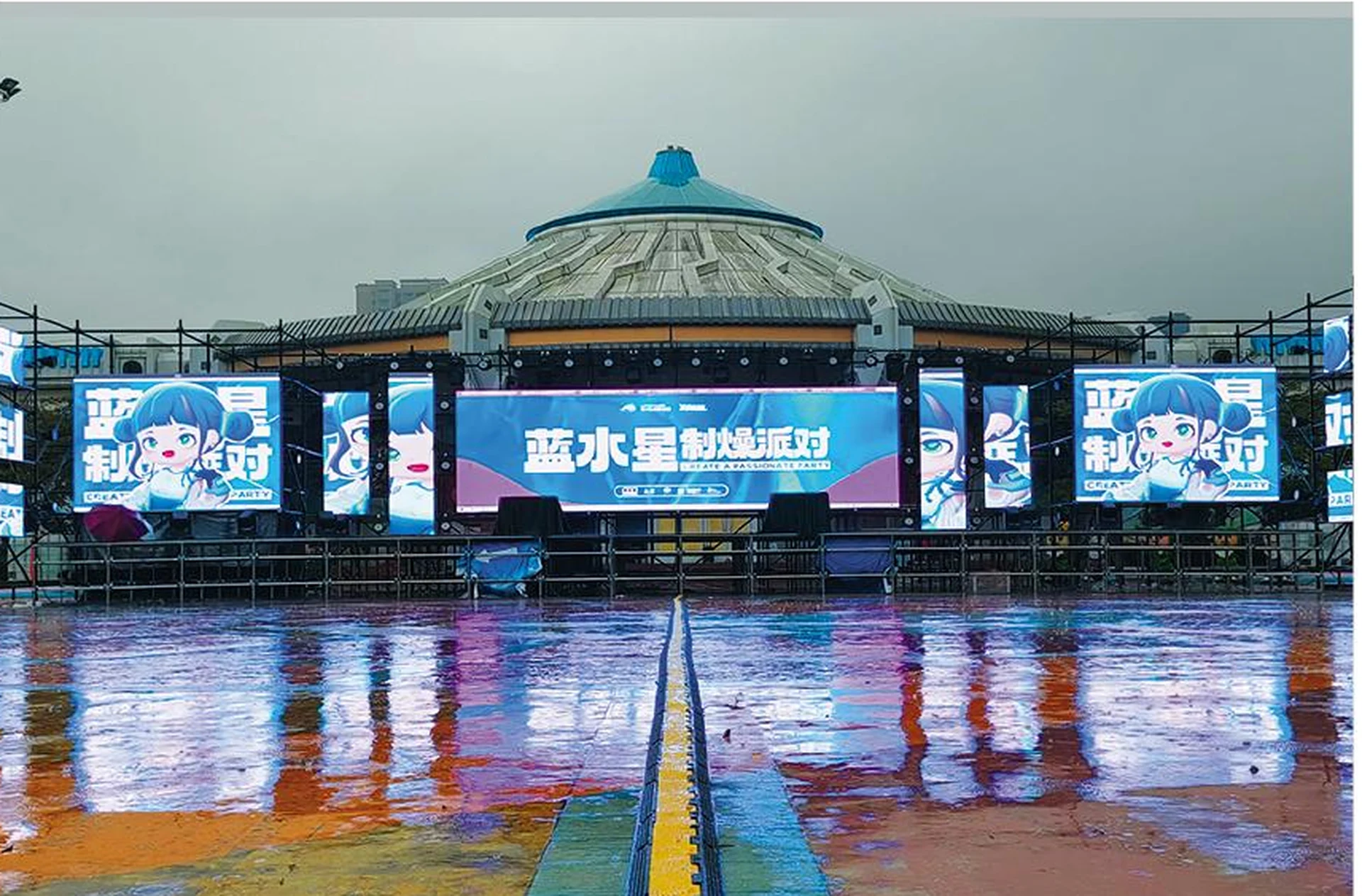

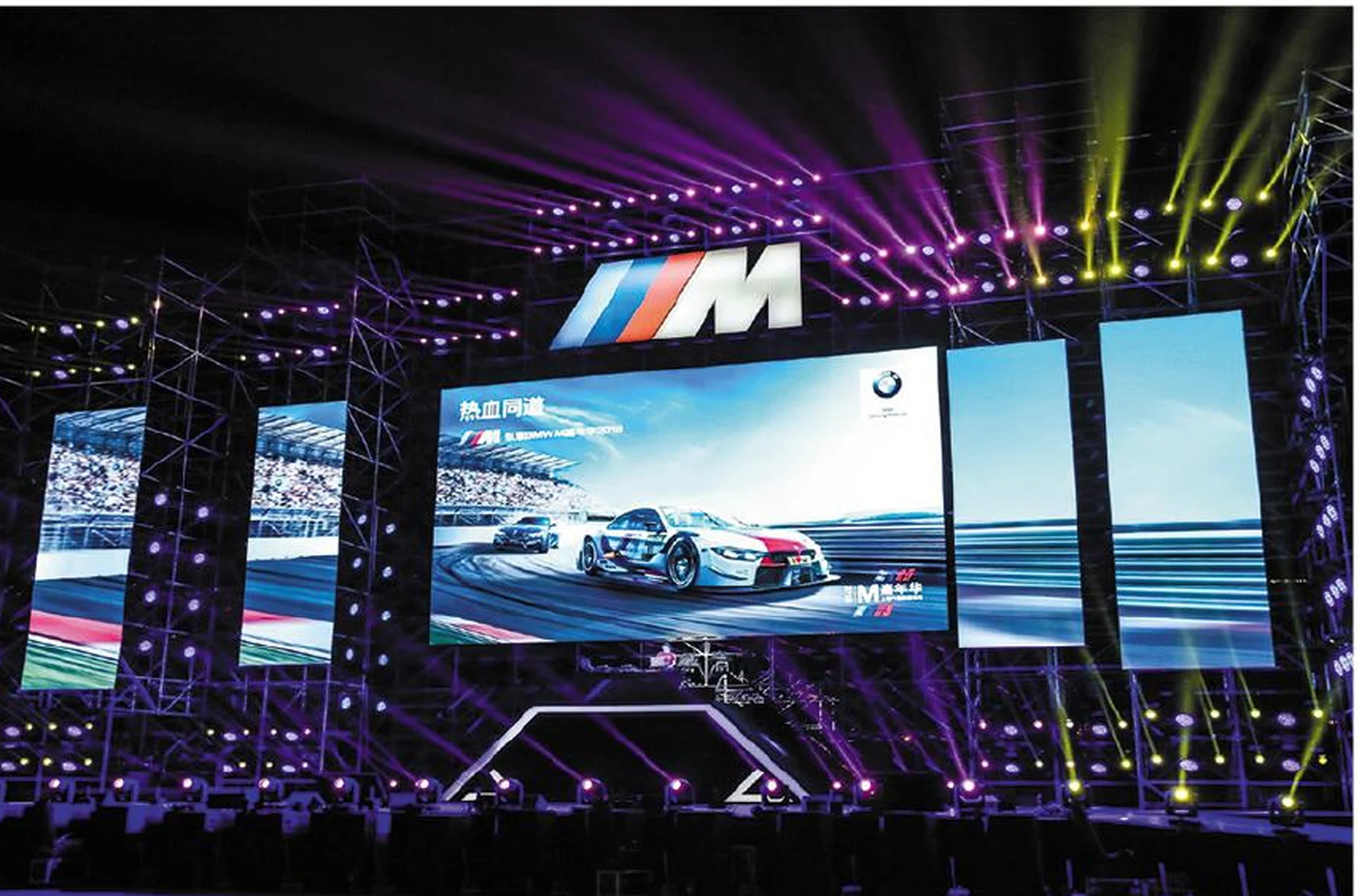
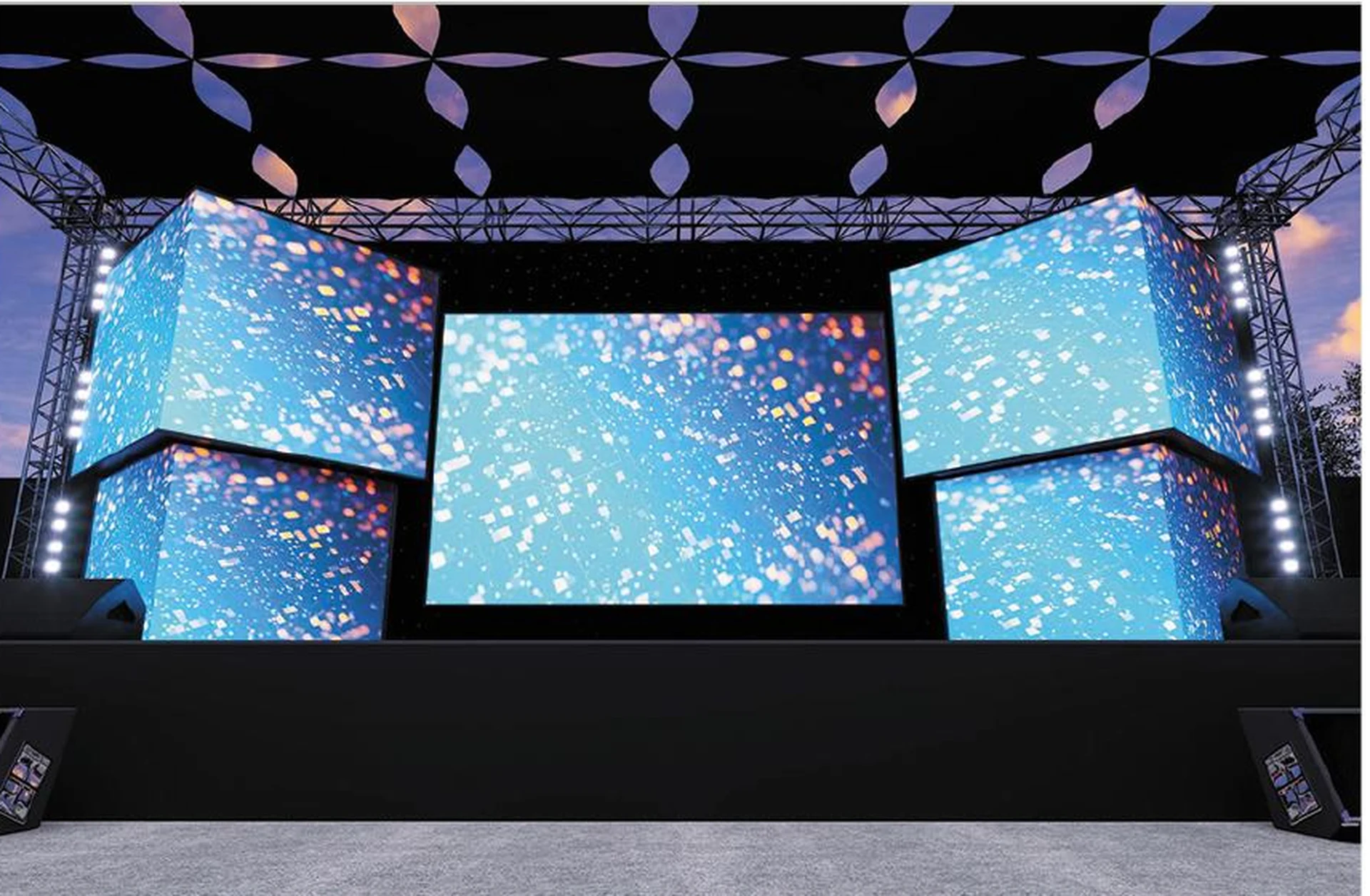
These images show application settings in the supplied catalogue; they are not independently verified MINVEXA customer projects or endorsements by the brands shown.
Build a shared understanding before confirming a display configuration.
Share your application, site, dimensions and target schedule.
Review display formats, image requirements and installation options.
Confirm technical documents, inclusions, delivery scope and responsibilities.
Agree the order details, installation plan and support arrangements.
Compare display directions and prepare a clear project brief.