
Installation & service
Review the cabinet or module arrangement, mounting and maintenance access.
Confirm in the proposalSelected hardware drawing and service procedure.
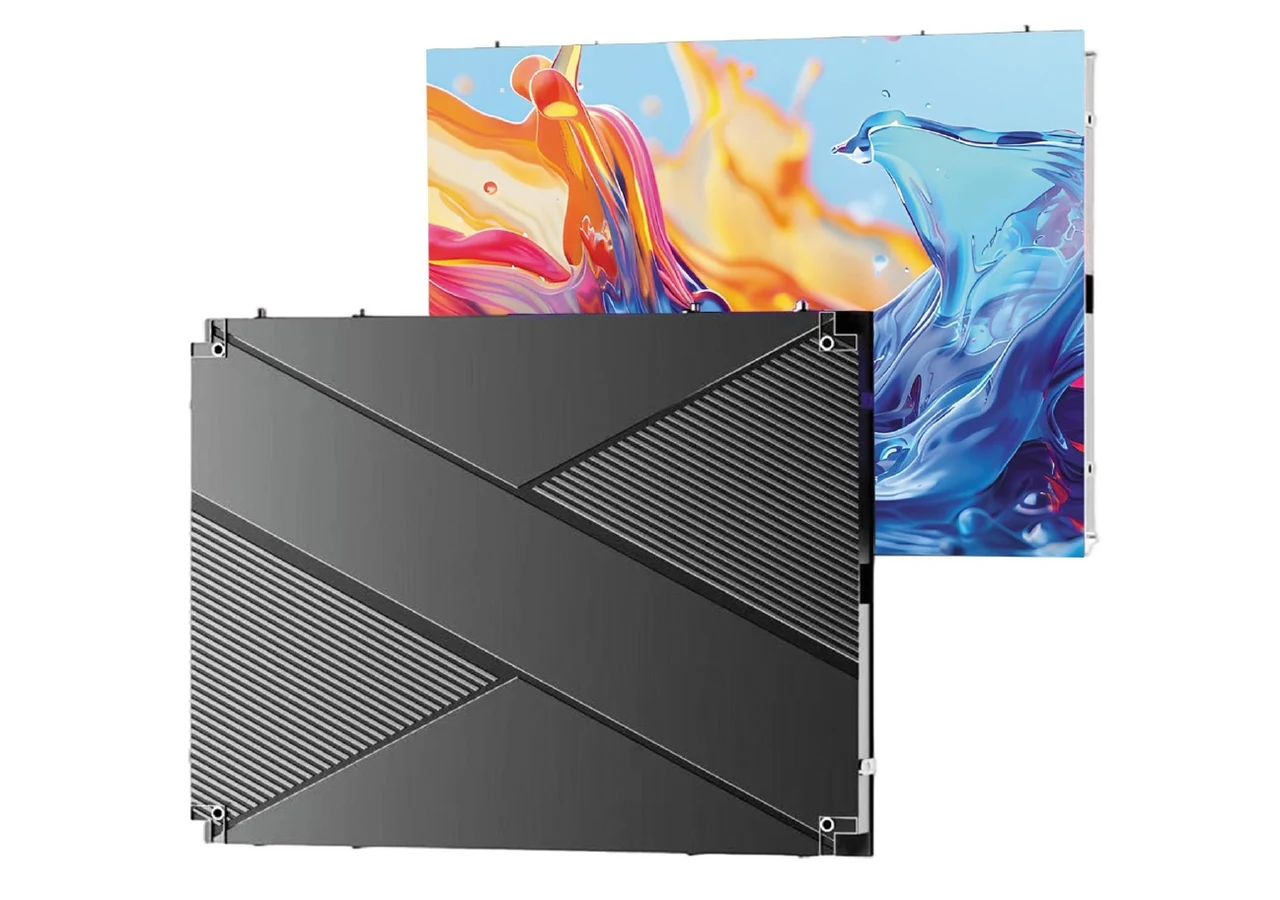
Cabinet-based indoor video walls for meeting rooms, showrooms and commercial interiors.
Factory-direct equipment sales. We manufacture and sell LED displays and agreed accessories; screen rental is not a service we provide.
Cabinet-based indoor video walls for meeting rooms, showrooms and commercial interiors. Review the catalogue format, then confirm the selected configuration with the factory.
Formats from the supplied product catalogue. Exact pitch, performance and components are confirmed in your proposal.
Look beyond the lit screen: review cabinet construction, access, connections and the complete deployment.
640 × 480 / 640 × 640 mm · Supplier catalogue artwork; final configuration subject to proposal.
Review the cabinet or module arrangement, mounting and maintenance access.
Confirm in the proposalSelected hardware drawing and service procedure.
Agree controls, cables, compatible spares, accessories and packing.
Confirm in the proposalConfiguration-specific proposal and packing list.
These are planning directions. Final hardware and included equipment are confirmed in the proposal.
Equipment supplied for purchase. Final specification and inclusions are confirmed in the proposal.
Plan this configurationCompare the product formats above, then confirm the complete configuration and these acceptance points in the proposal. Catalogue formats are shown for selection; request the configuration-specific datasheet before an order.
Request a configuration proposal| Parameter | How it is confirmed |
|---|---|
| Pixel pitch & native resolution | Calculated from the agreed canvas size |
| Module & cabinet dimensions | Stated for the selected cabinet |
| Brightness & dimming range | Stated for the selected model |
| Refresh rate & grayscale | Stated for the selected model and processor |
| Ingress protection (IP) rating | Front and rear, where applicable |
| Power consumption | Average and maximum, per square meter or unit |
| Control system & inputs | Sending, receiving and playback equipment |
| Documentation | Model-specific datasheet and destination documents |
Meeting & presentation rooms · Retail flagship interiors · Hospitality & public venues
Align the display dimensions and aspect ratio with the room, wall finish and presentation format.
Plan around the material people actually need to see: video, dashboards, presentations or brand storytelling.
Review the room lighting, viewing positions, operating schedule and preferred maintenance approach.
Application references from the manufacturer catalogue. Discuss the display format and installation requirements for your own setting.
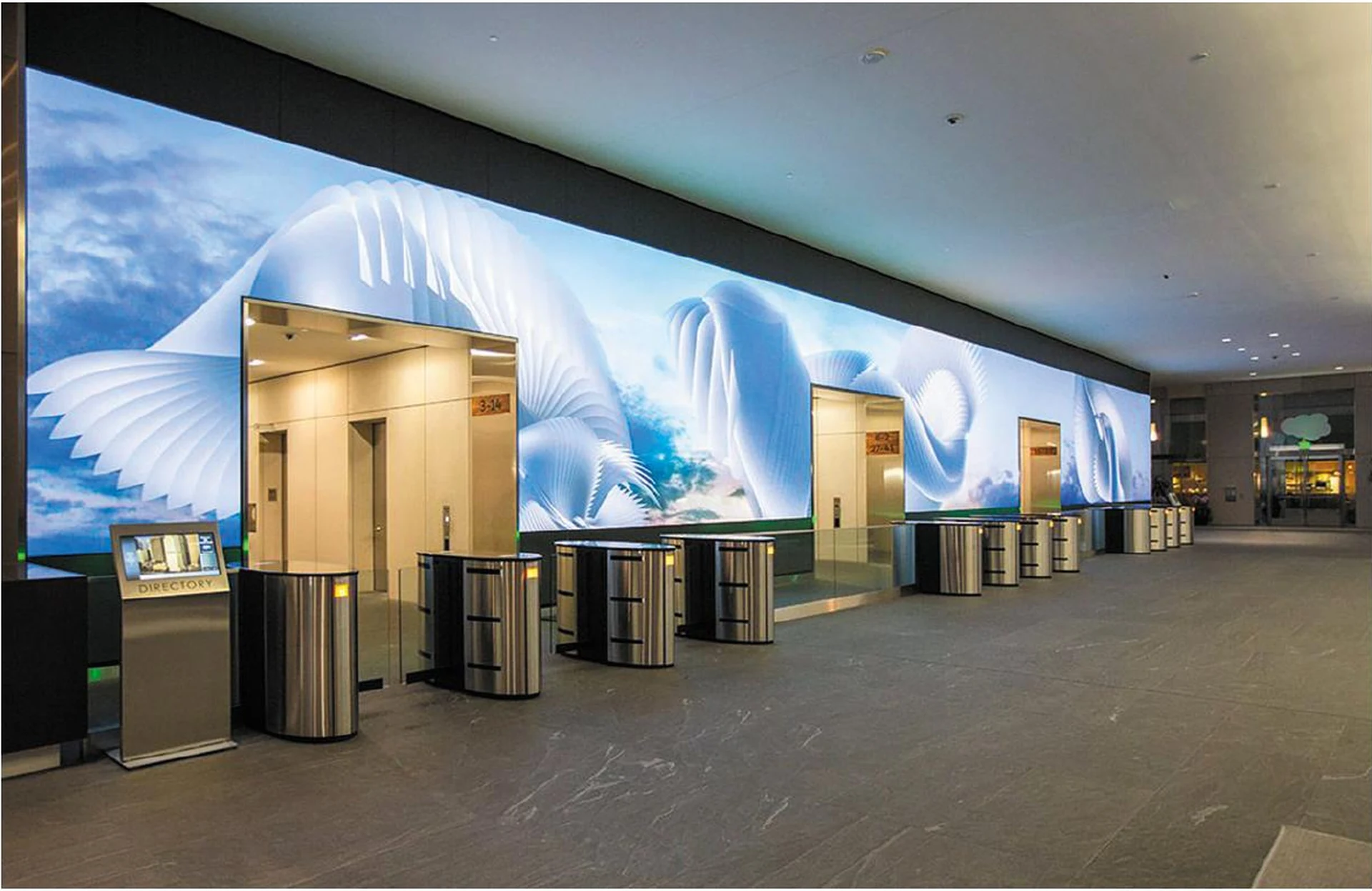
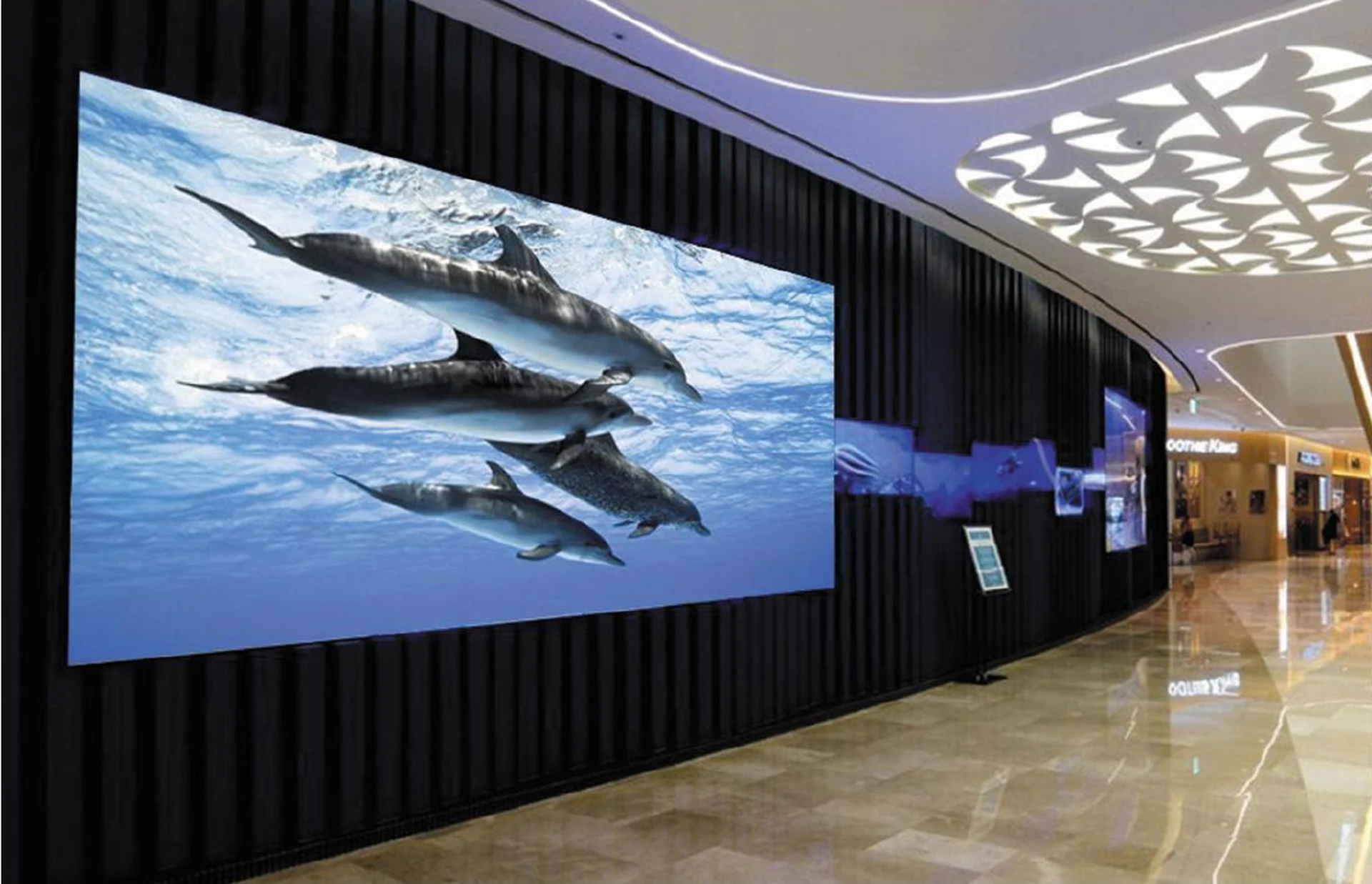
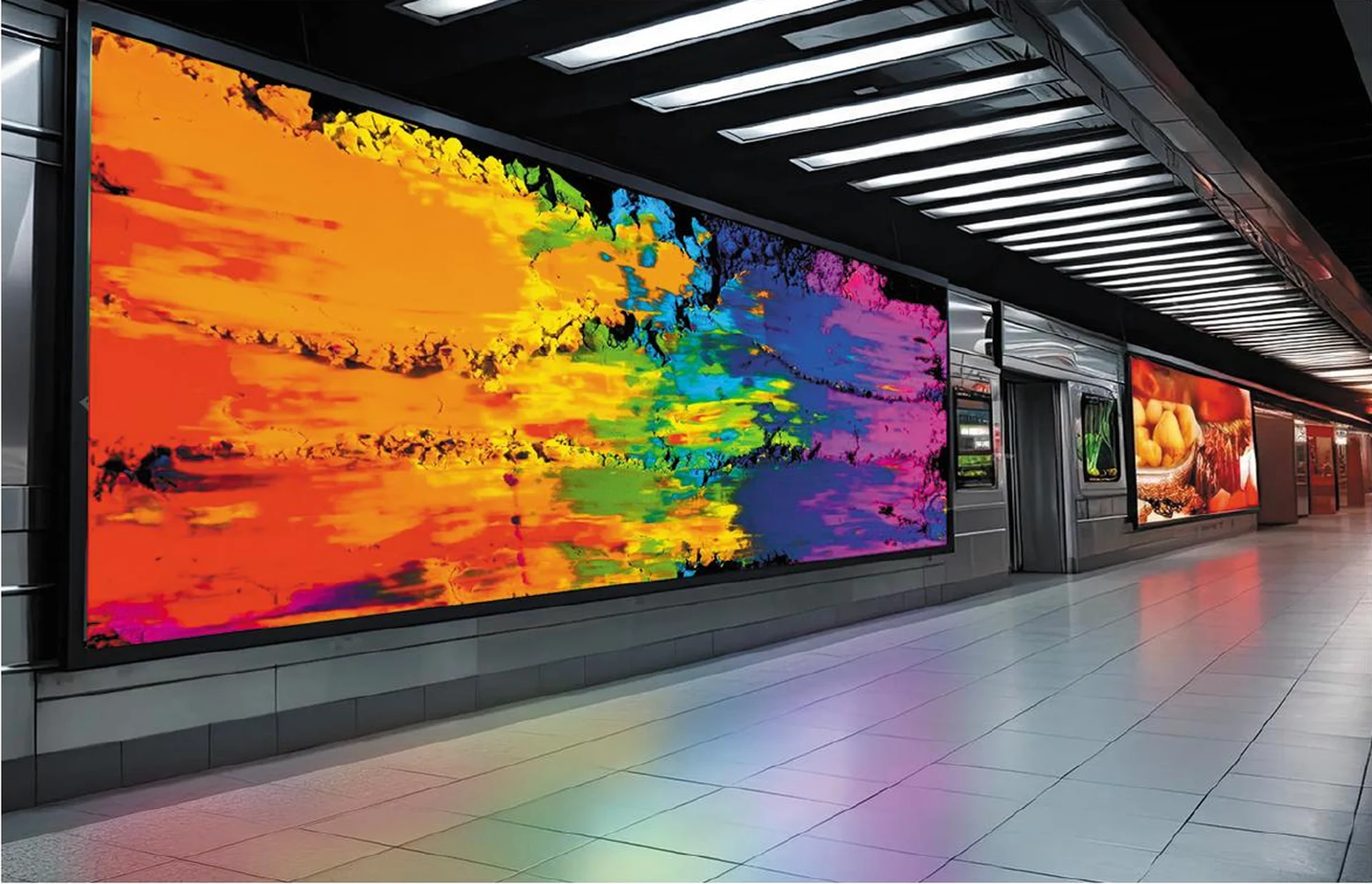
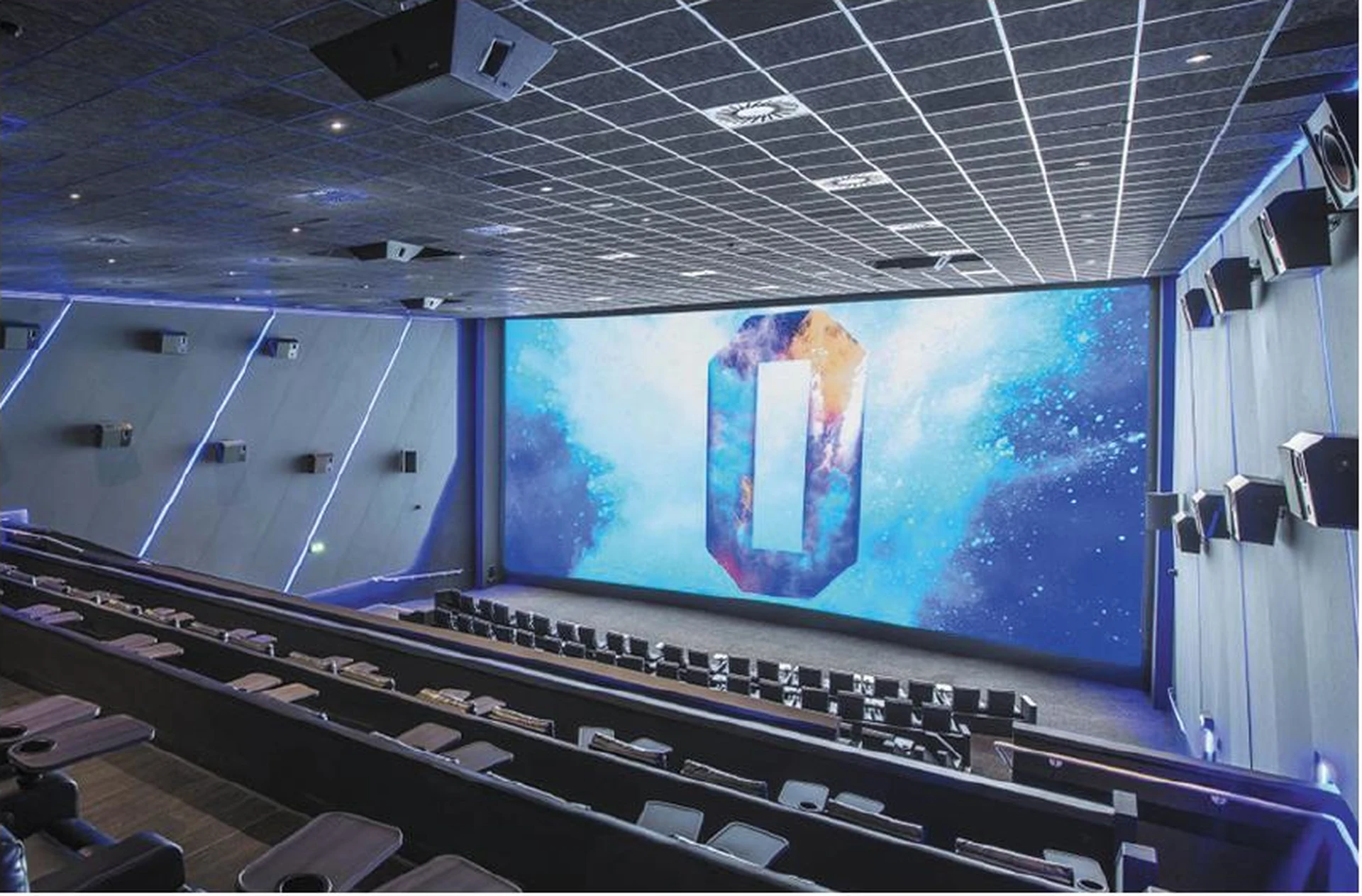
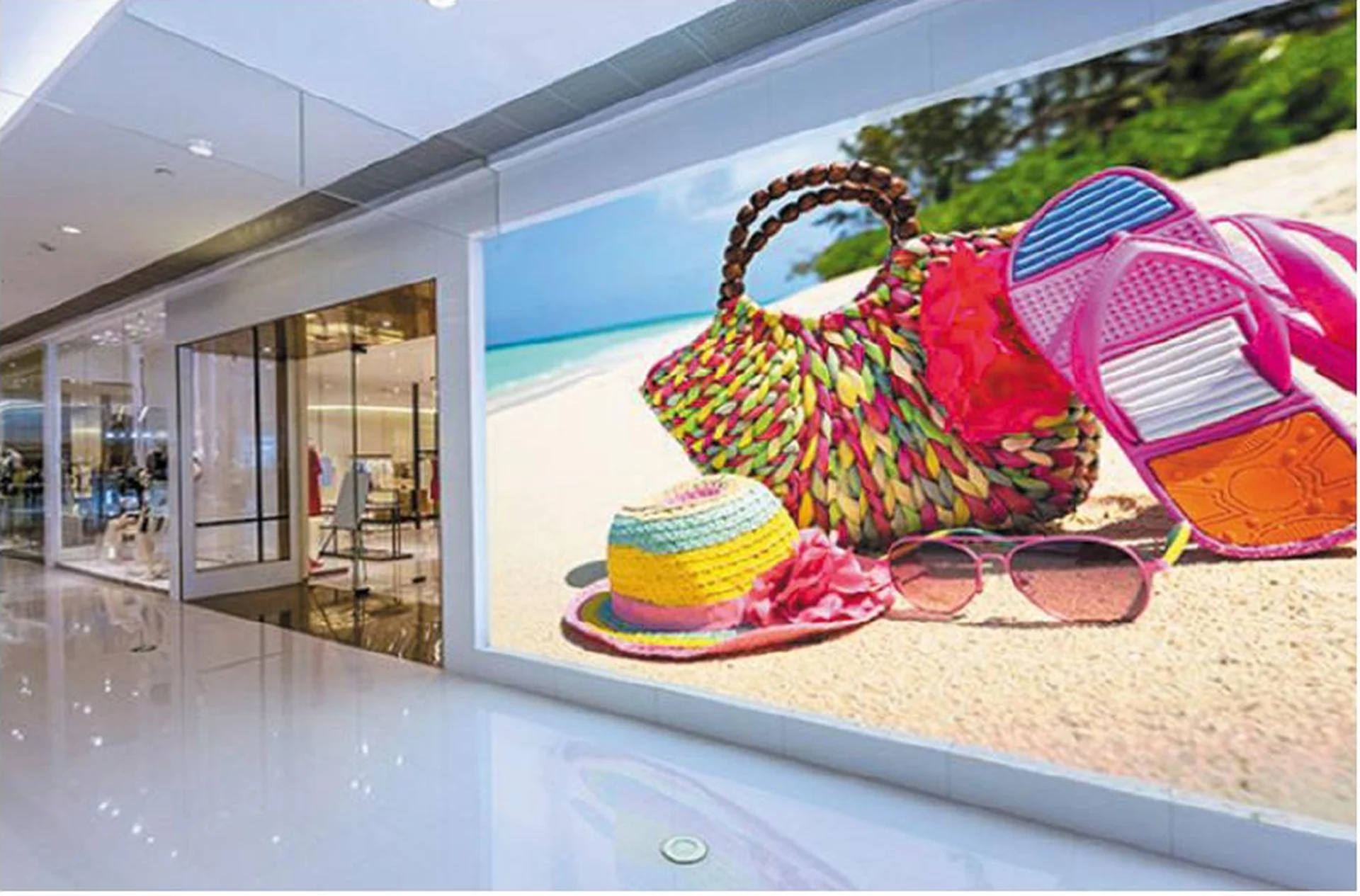
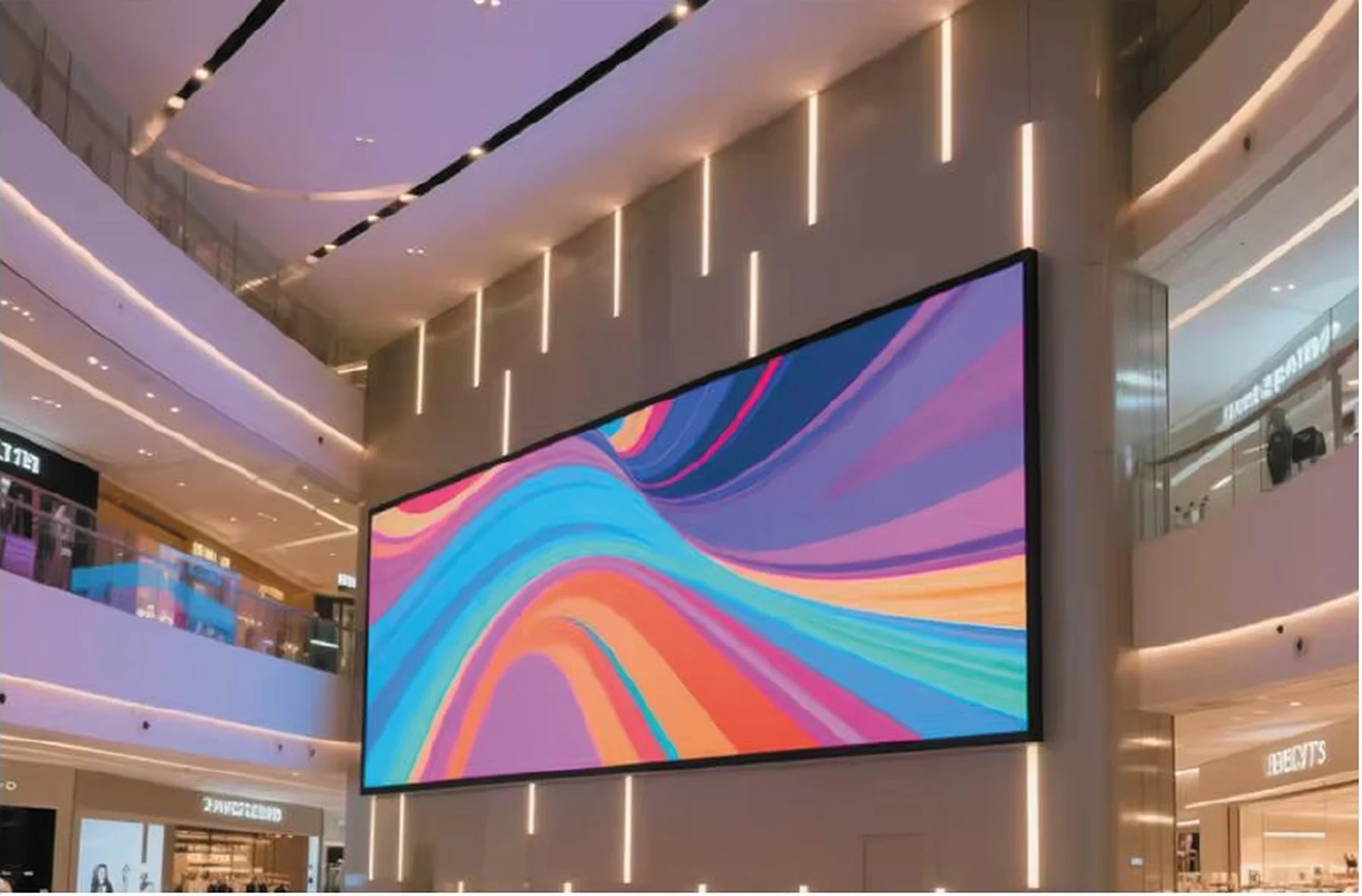
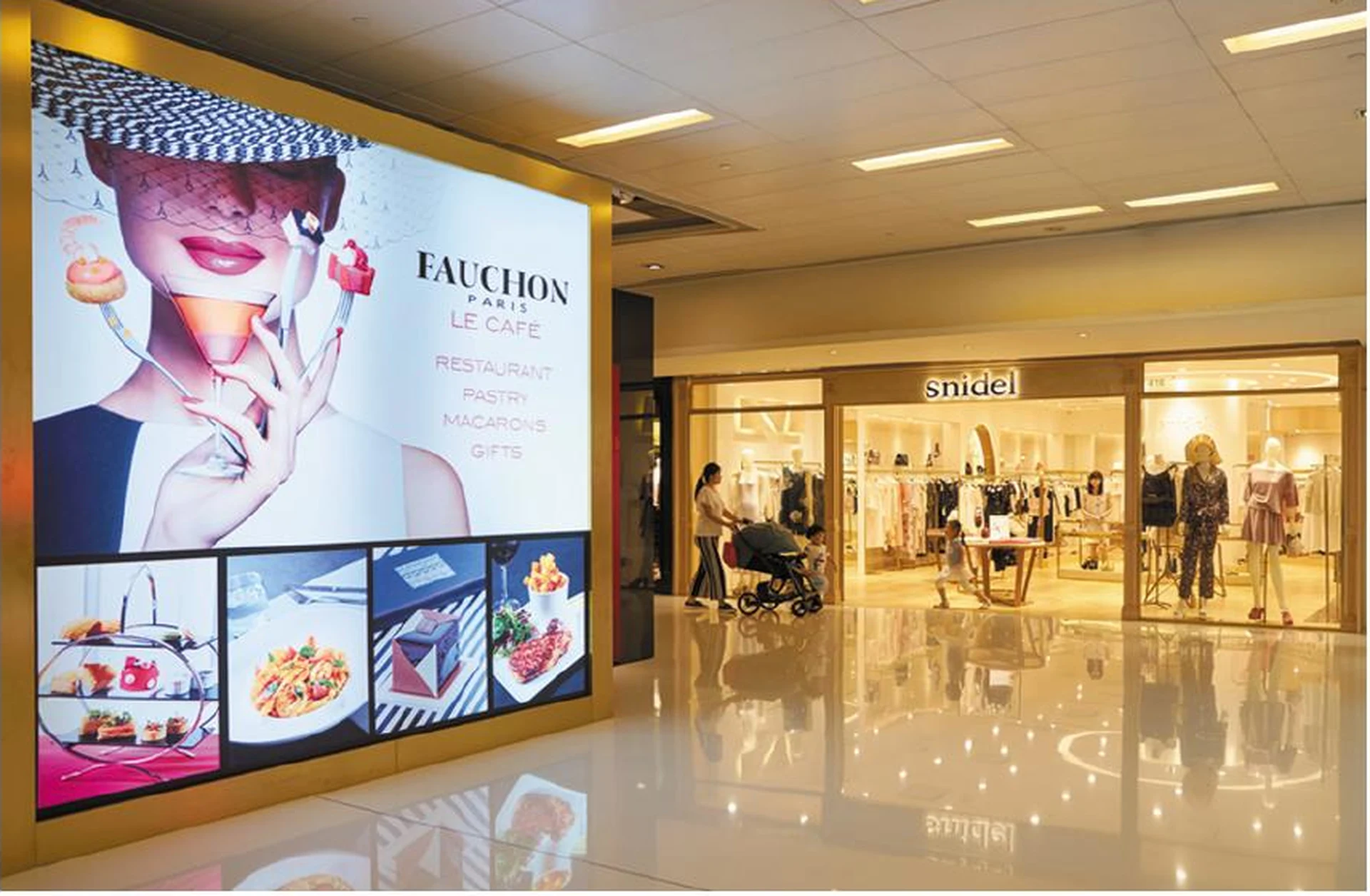
These images show application settings in the supplied catalogue; they are not independently verified MINVEXA customer projects or endorsements by the brands shown.
Start with the closest viewer and the smallest content that must remain readable. Compare candidate resolutions using actual presentation or video samples.
Share the width, height, depth, wall construction and available service access. The cabinet layout needs to be checked against the physical opening.
Define input sources, switching, canvas resolution, aspect ratios and expected content. Include camera use if the room supports hybrid meetings.
The main drivers are pixel pitch, total area, cabinet type, brightness and protection requirements, the control system, spare parts and the delivery and installation scope. Compare quotations on the same configuration.
Ask for the display, processing equipment, cables, spares, packaging, delivery terms and documentation to be listed separately, with exclusions such as steelwork, electrical work and local installation stated clearly.
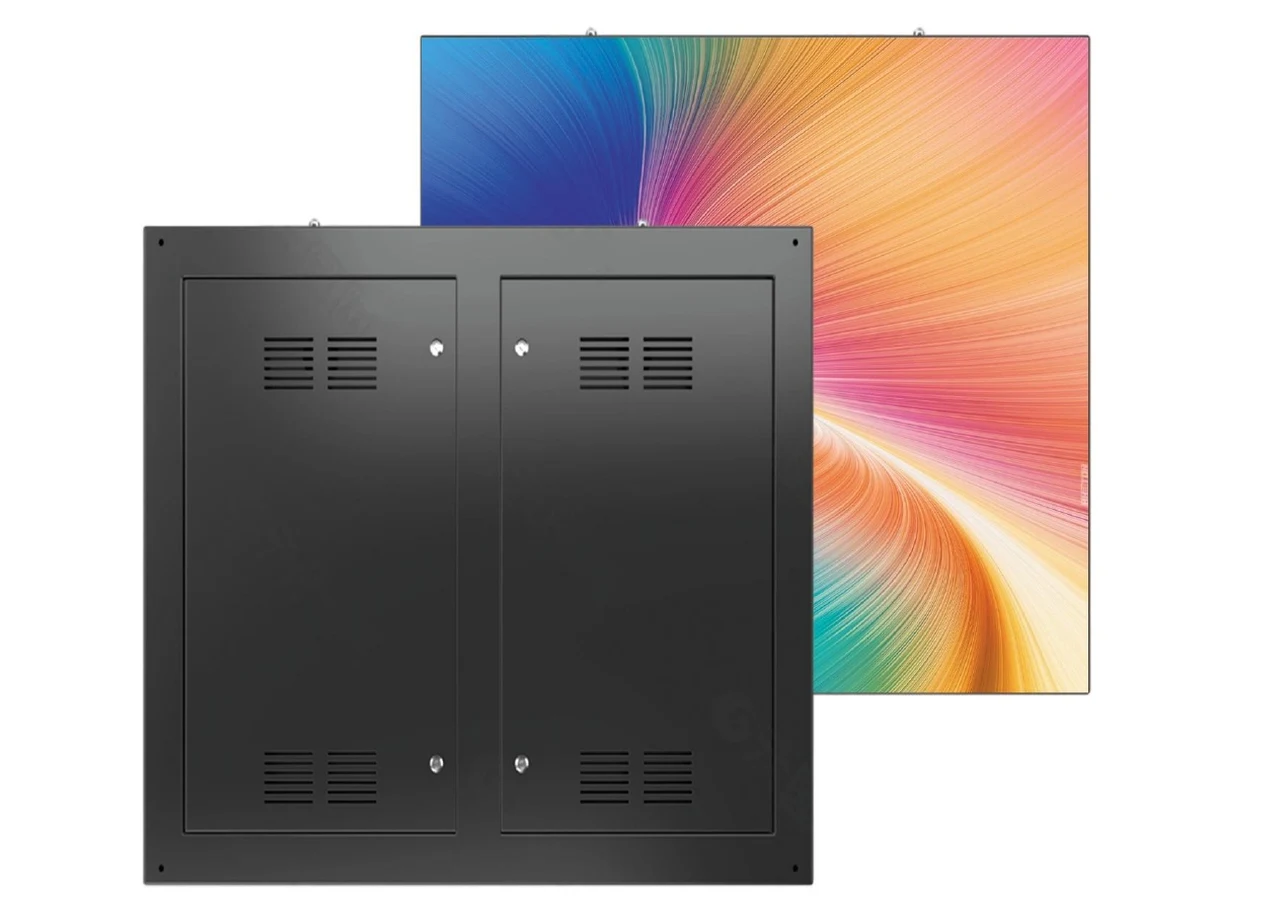
Permanent outdoor displays for façades, roadside advertising and commercial sites.
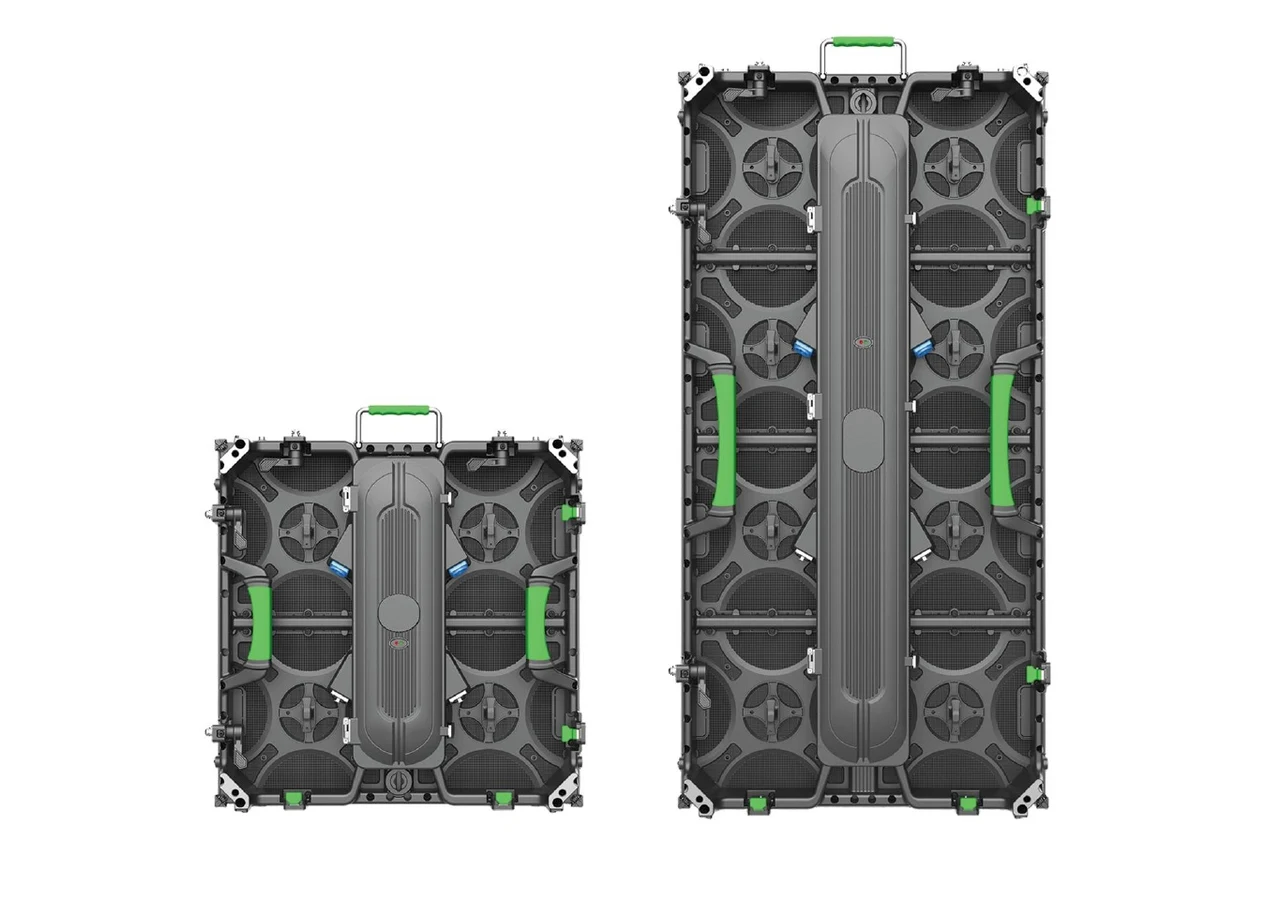
Modular LED cabinets manufactured for repeated event builds, supplied as equipment for purchase.
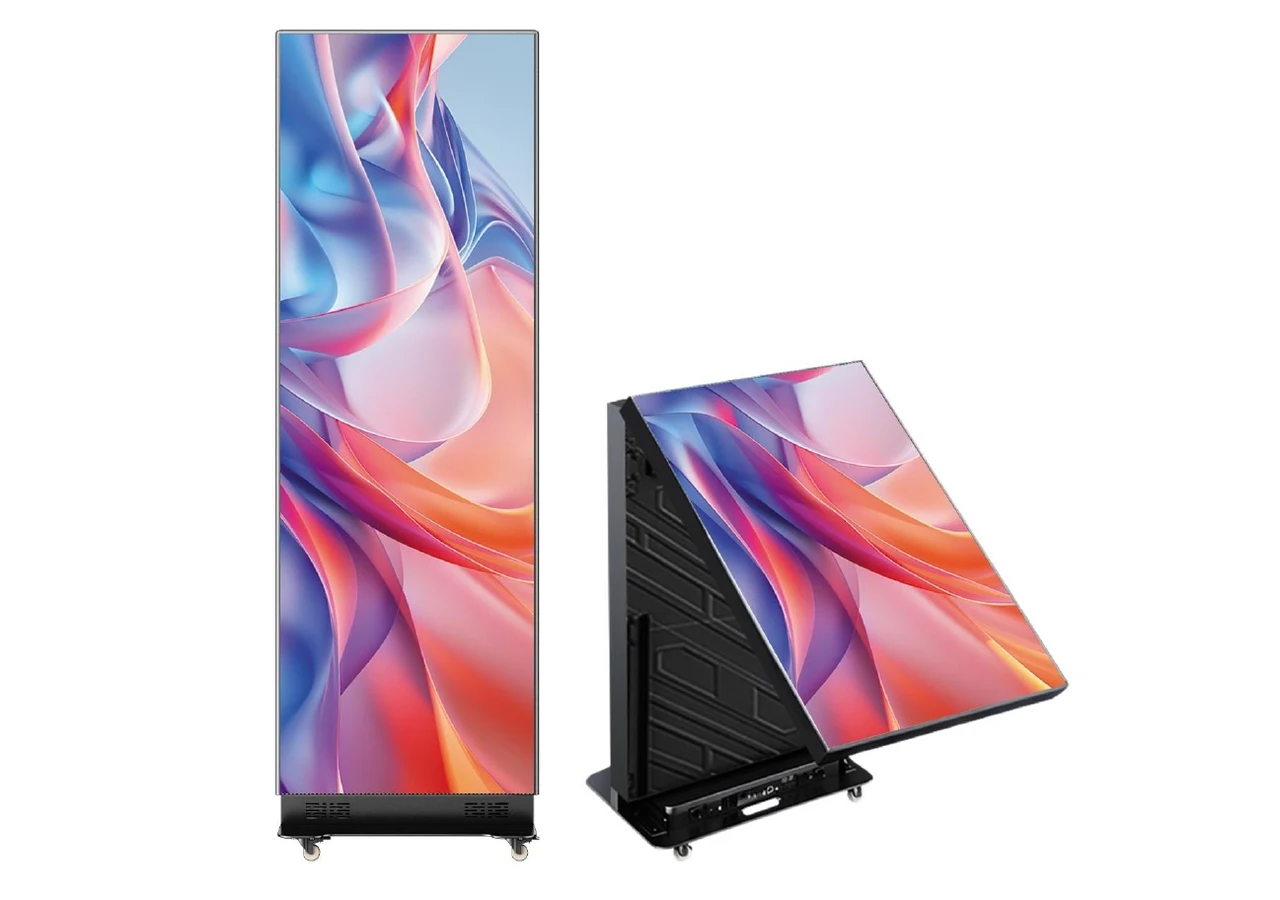
Indoor and tri-fold poster formats for promotions, exhibitions and retail signage.
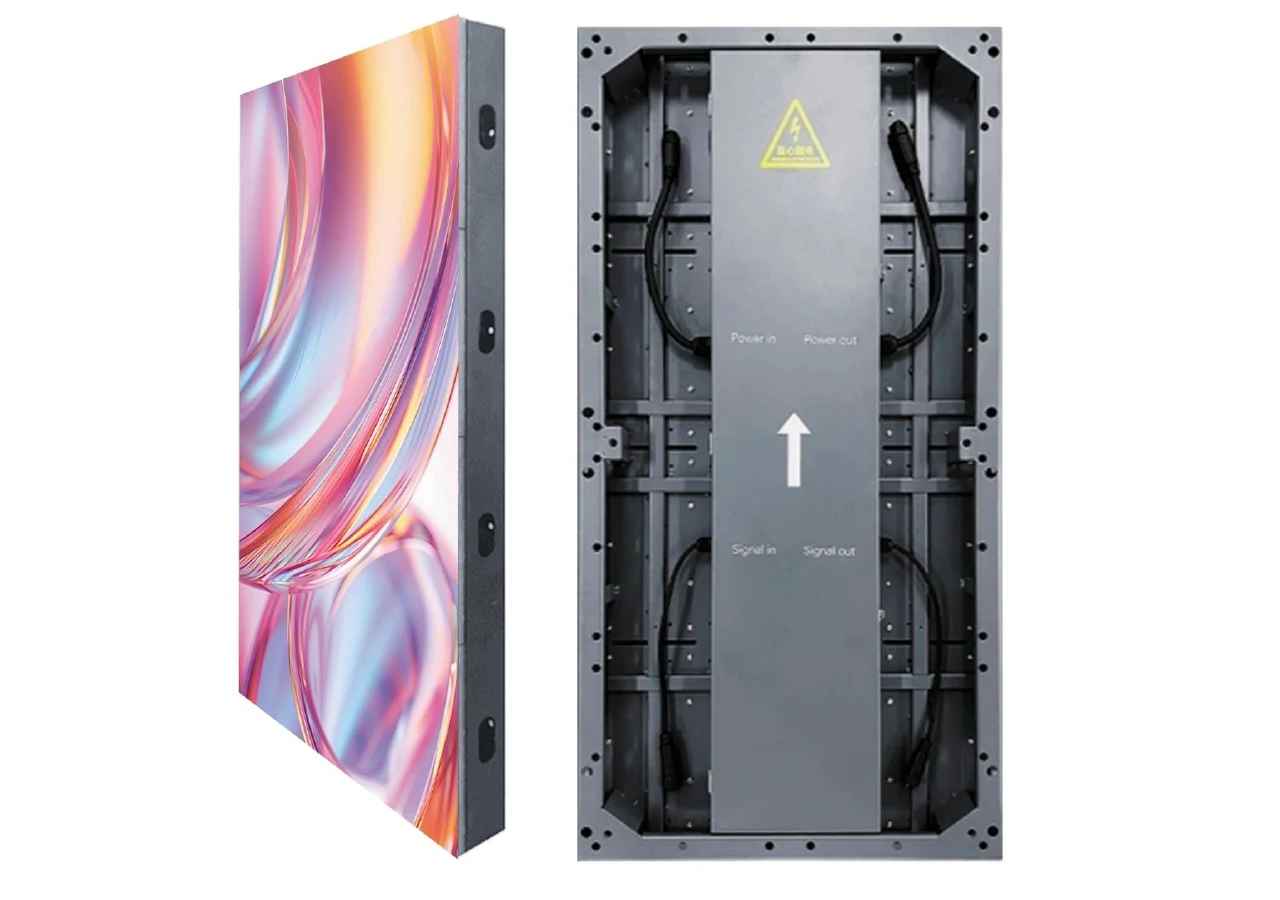
Floor display cabinets with interactive options for immersive spaces and event environments.
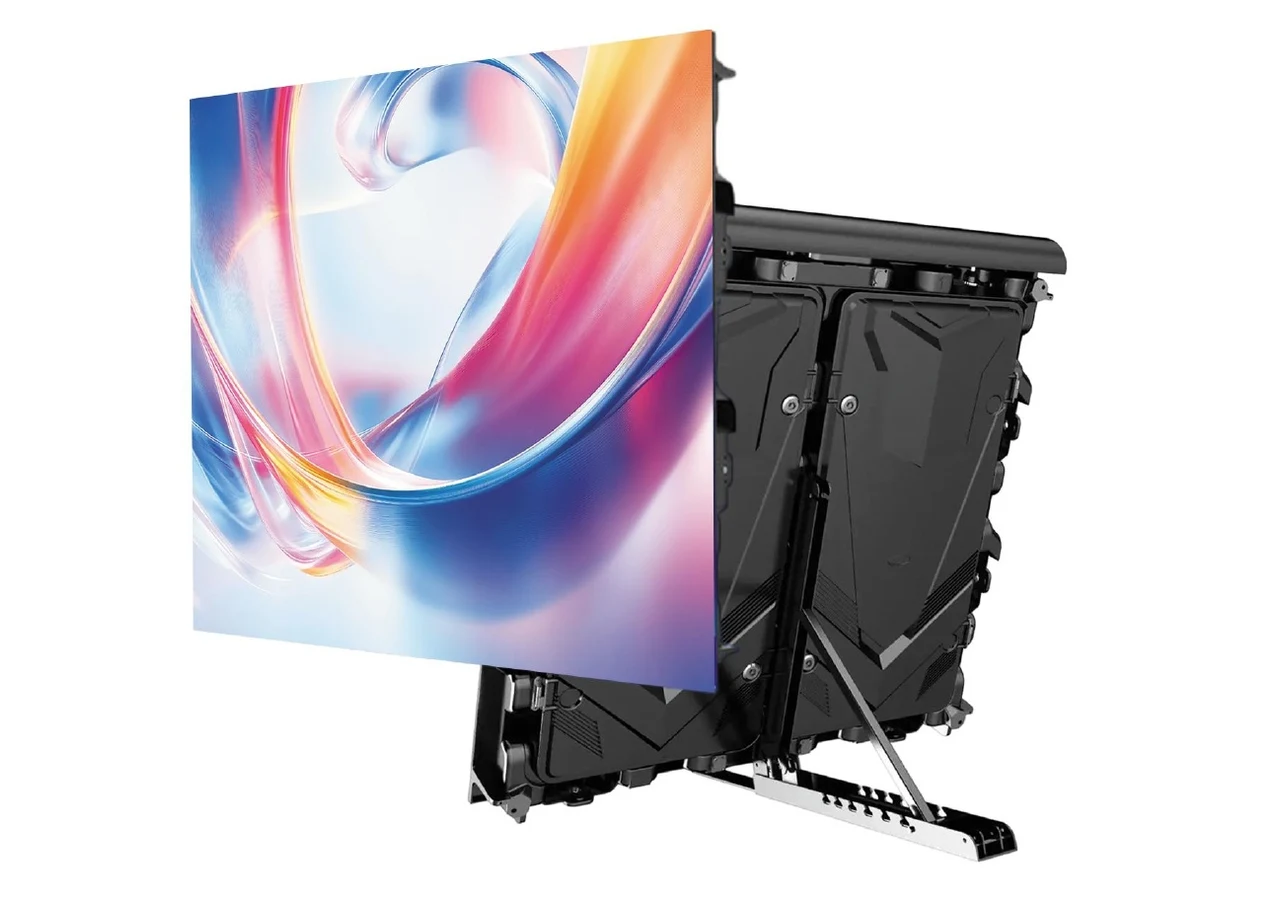
Perimeter display cabinets for sports grounds, with an adjustable support format shown in the catalogue.
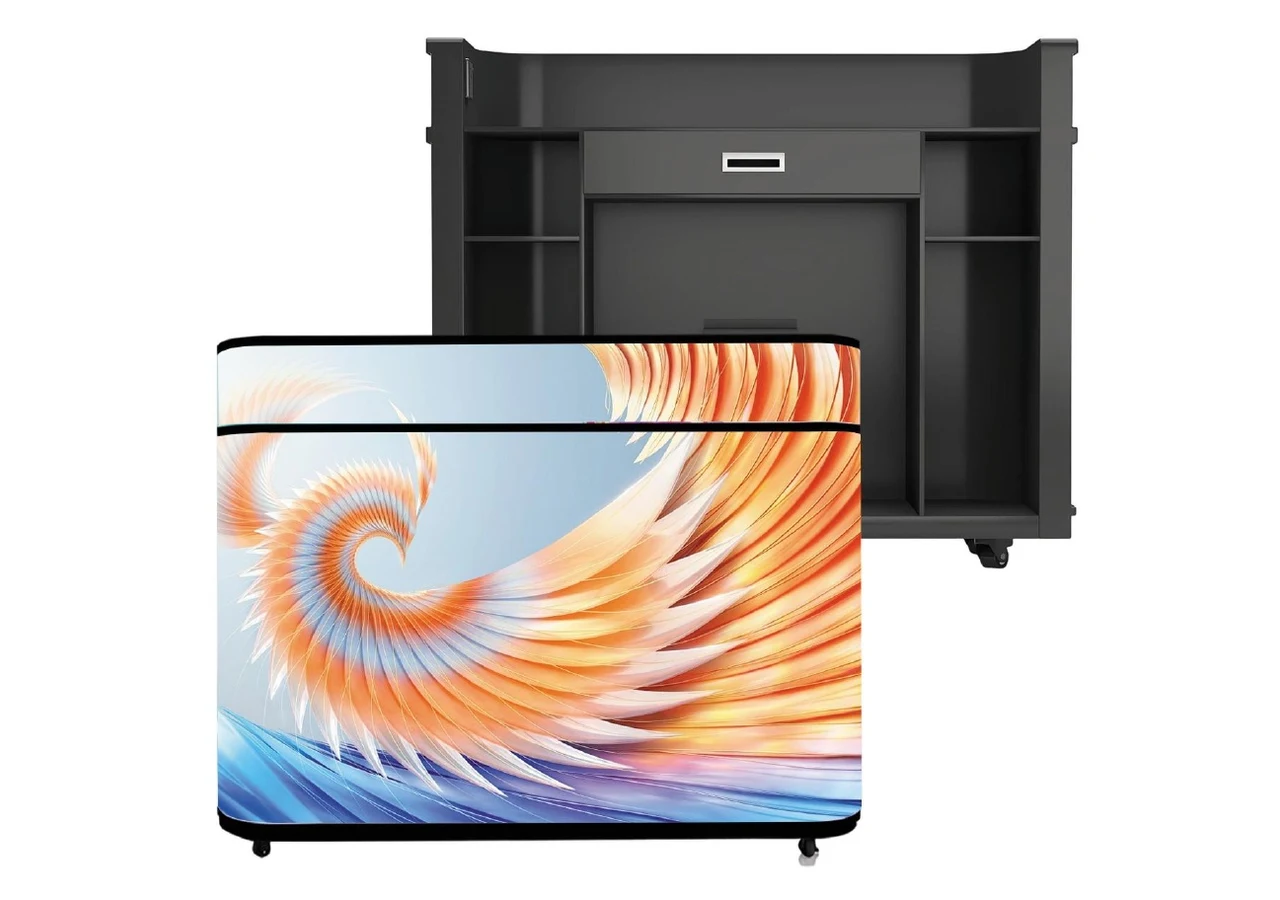
Custom bar-counter displays and creative formats developed around the installation brief.
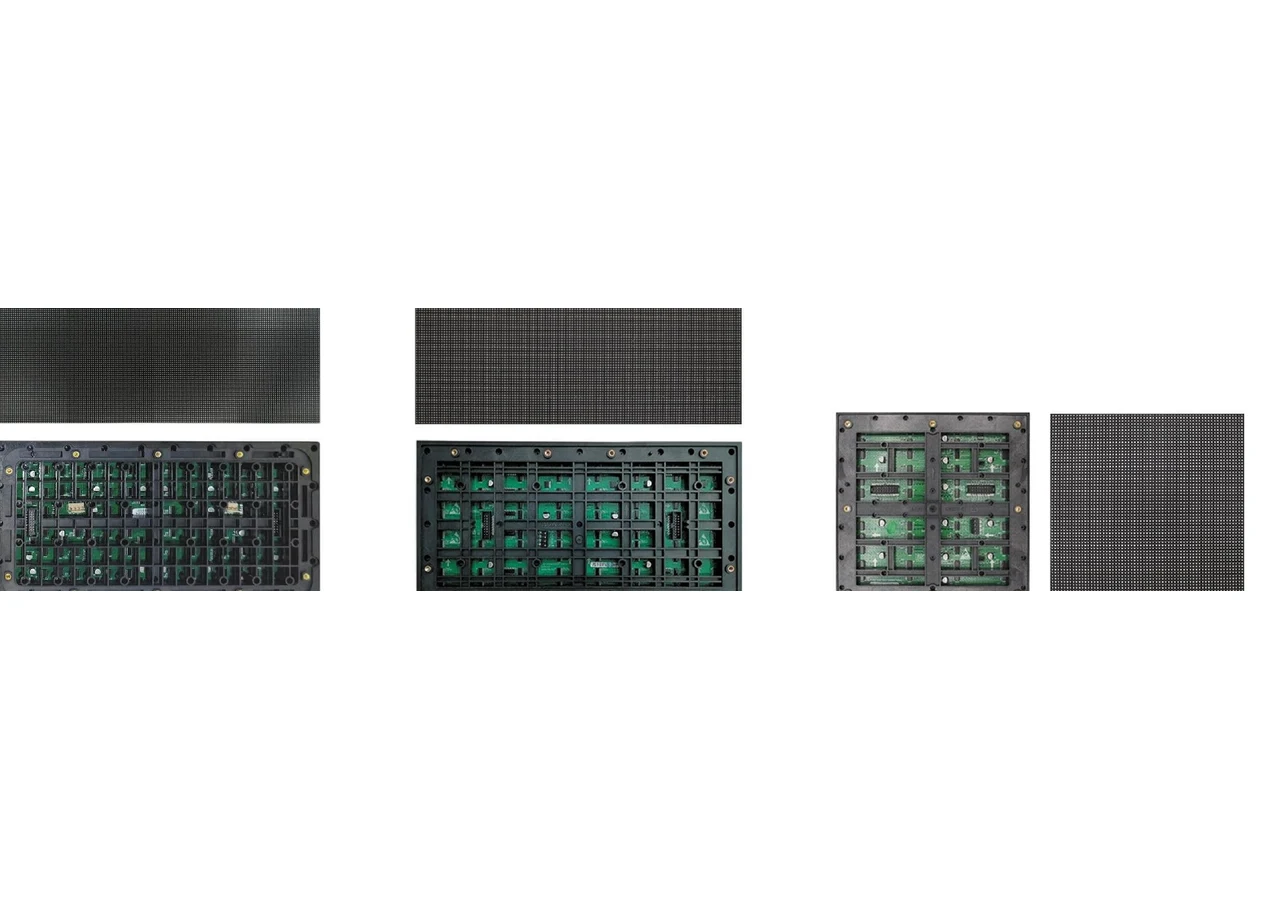
Indoor and outdoor LED module options for display assembly, replacement and channel supply.
Compare display directions and prepare a clear project brief.